Expert Tips for Seniors: Navigating Online Safety and Security
Understanding the Basics of Online Safety
As more seniors embrace the digital world, understanding the basics of online safety becomes crucial. The internet offers endless opportunities to connect with loved ones and access information, but it also comes with potential risks. By learning simple safety measures, seniors can enjoy a safer online experience.

Creating Strong Passwords
A strong password is your first line of defense against cyber threats. To create a secure password, use a combination of letters, numbers, and symbols. Avoid using easily guessable information like birthdays or common words. Consider using password managers to keep track of your credentials securely.
Recognizing Online Scams
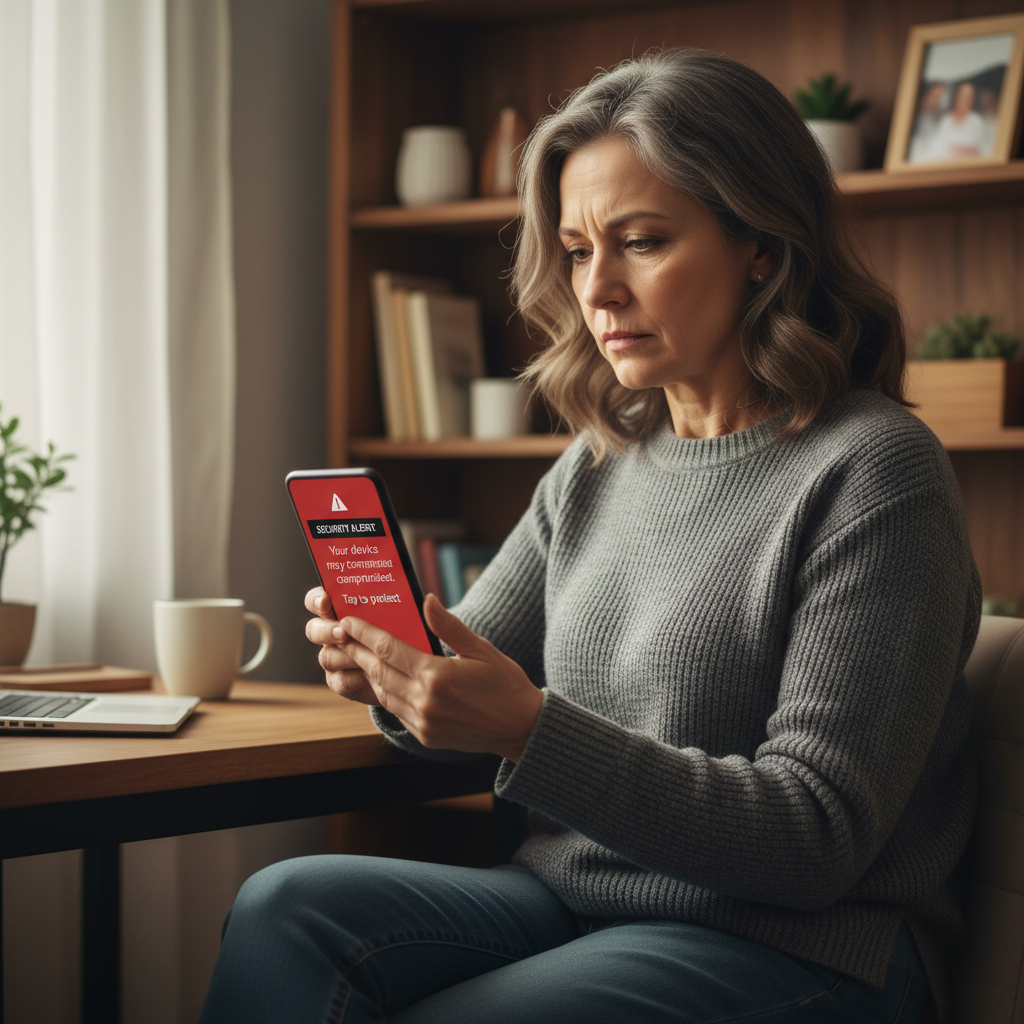
Online scams are becoming increasingly sophisticated, targeting individuals of all ages. Seniors should be particularly cautious with unsolicited emails or messages that request personal information. Always verify the authenticity of such communications by contacting the organization directly using official contact details.
Safe Browsing Practices
Adopting safe browsing practices helps in protecting your personal information. Ensure websites are secure by checking for a padlock symbol in the address bar and URLs that begin with "https." Be cautious when downloading files or clicking on links from unknown sources.
Using Social Media Safely
Social media platforms are a great way to stay in touch with friends and family, but they also require careful navigation. Adjust privacy settings to control who can see your information and posts. Be selective about friend requests and avoid sharing too much personal information publicly.

Handling Phishing Attempts
Phishing attempts often come in the form of emails or messages that seem legitimate but are designed to steal your information. Be wary of messages that create a sense of urgency or ask for sensitive information. Always double-check the sender's address and look for inconsistencies in the message.
Utilizing Security Software
Installing security software is vital for protecting your computer and personal data. Antivirus programs can detect and remove malicious software. Keep your software updated to protect against the latest threats. Regularly scan your devices to ensure they remain secure.

Staying Informed
Staying informed about the latest online safety trends can greatly enhance your security. Consider joining online communities or attending workshops focused on digital literacy for seniors. The more you know, the better equipped you are to handle potential threats.
By following these expert tips, seniors can confidently navigate the digital world while safeguarding their personal information. Remember, being proactive about online safety is the key to enjoying a secure and enriching online experience.